


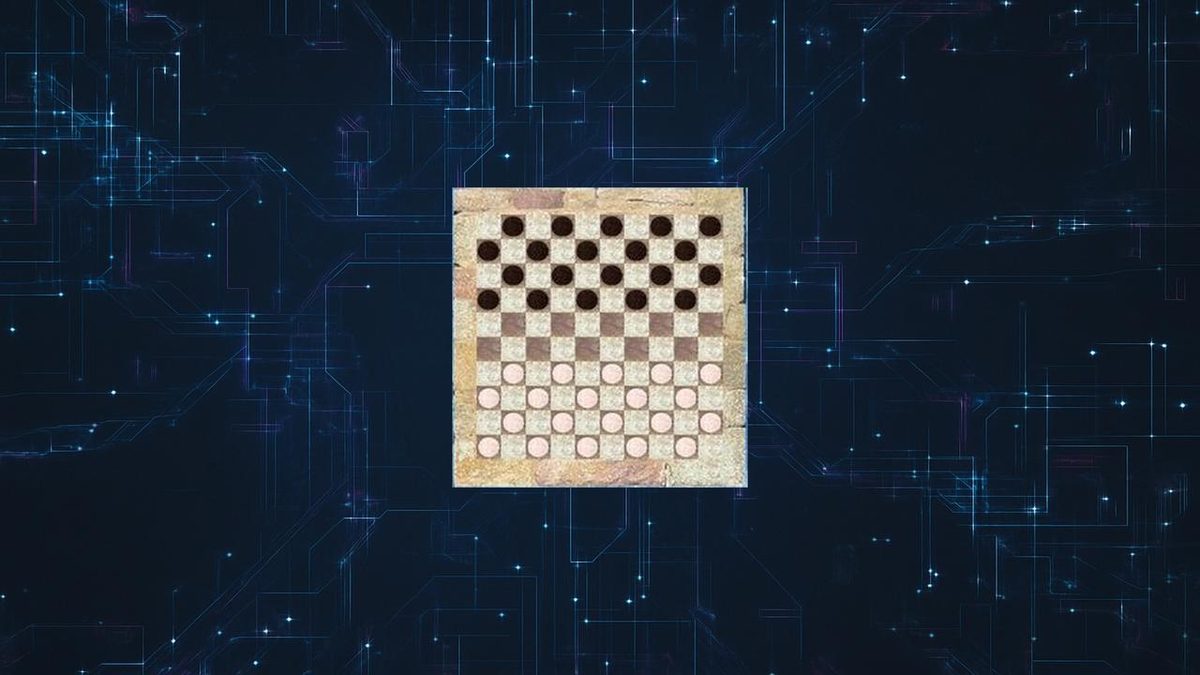
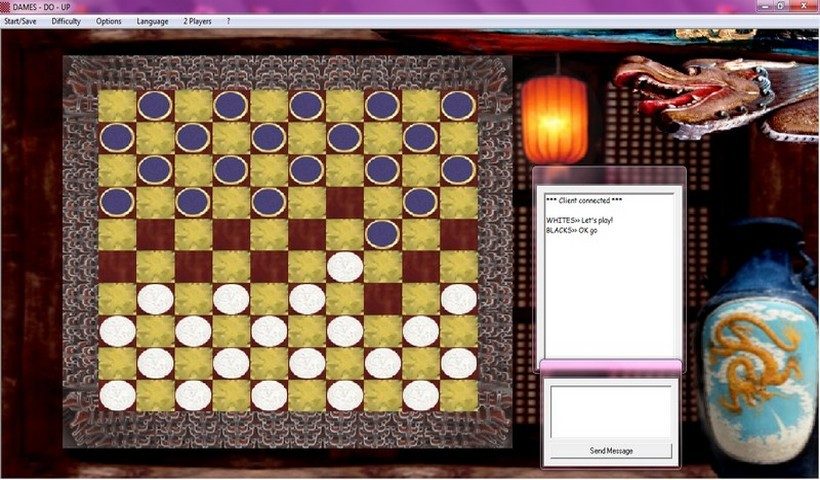
If you’re looking for a reliable way to play 10×10 draughts on your computer, Dames-Do-Up has been a favorite software for years. This is more than just a game. This is the perfect tool for enthusiasts who want to track official tournament standards on their desktop. The software can remove the excess. It offers a clean interface that is suitable for both beginners and experienced players. You don’t have to pay a penny to take advantage of the advanced game management features.
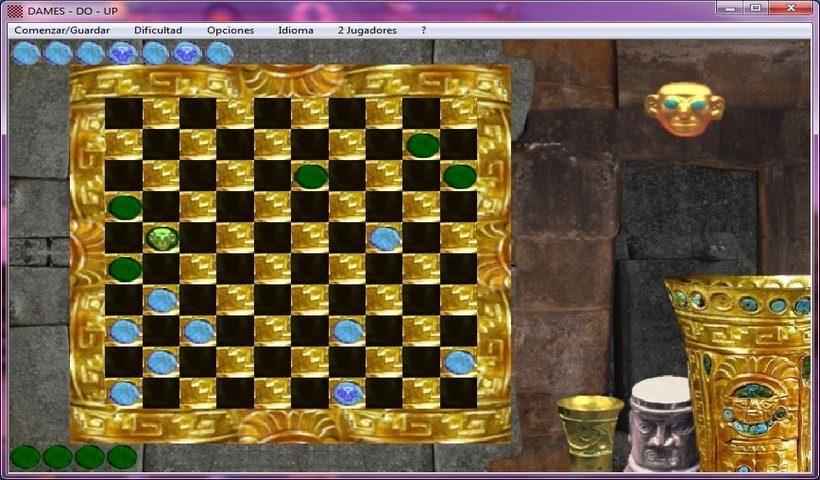
The main appeal is to follow the rules. The software faithfully integrates official regulations, including mandatory captures, pawn movement, queen promotion, and other special mechanics. It’s the perfect environment for a serious workout. It’s also built for diversity. You don’t have to stick to one type of board. The program supports eight different board configurations, allowing you to explore different draughts variants and keep your game fresh.
Why Dames-Do-Up matters to your strategy
This software does more than just move pieces on the screen. Works as a teaching tool. Games require planning, thinking and analysis. These are the same cognitive skills required in real competition. With Dames-Do-Up, you use a system that takes into account the complexity of the 10×10 board.
The software is comprehensively designed. It runs smoothly on normal hardware. It can also be used on older operating systems like Windows XP, Vista and Windows 7. This compatibility is a huge advantage. This means you don’t need top-of-the-line gaming equipment to enjoy the serious draughts experience. The application is light and does not consume system resources. This is very important for users with older machines.
Where to get Dames-Do-Up and installation instructions
Getting the software is very easy. The main source of downloads is the Futura software repository. The site provides the executable directly. No registration required. This eliminates friction. Just download the file, run it and you’re done.
The installation process is minimal.
– Download executable files for specific versions of Windows.
– Start the installer.
– I accept the terms.
– Follow the instructions on the screen.
This process only takes a few clicks. The program takes up very little disk space. This is a useful feature for those with limited storage or older hardware.
Compatibility and platform limitations
It is important to understand the limits of your software. Dames-Do-Up is only for Microsoft Windows. There are no native versions for MacOS, Linux, Android or iOS. This tool will not work if you are using a Mac or if you are trying to play the game on your mobile phone.
There is no advanced level. There are no subscriptions. There is no student licenses. This software is completely free for any use. If you have an older computer, you may find older archives of the software, but Futura recommends using the stable version. Improves compatibility with supported systems and includes necessary fixes.
Is it worth downloading?
For Windows users who are serious about international draughts, the answer is yes. You get a powerful, rules-based environment that respects the depth of the game. You don’t have to worry about trial periods or hidden costs. Install and play. Although the lack of cross-platform support is a limitation, it’s still a clear solution for Windows users. This software bridges the gap between casual gaming and serious competition. Easy to use, powerful and free. The question is not whether you can play, but whether you are ready to apply the strategies required by the game.
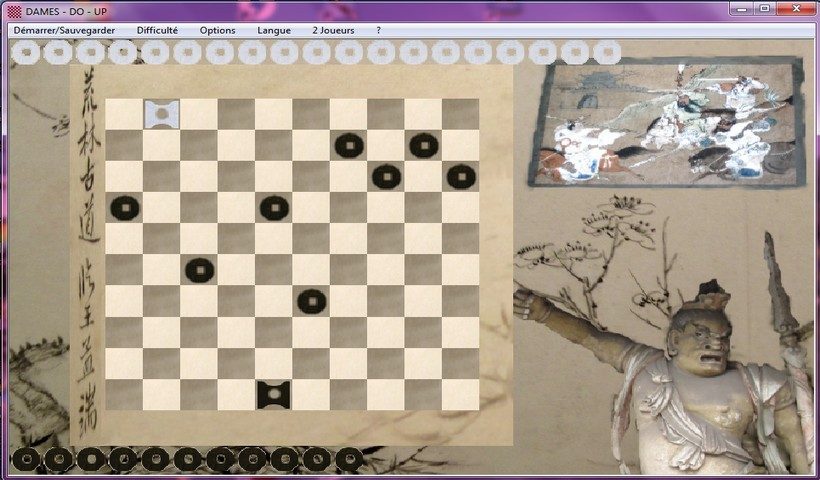

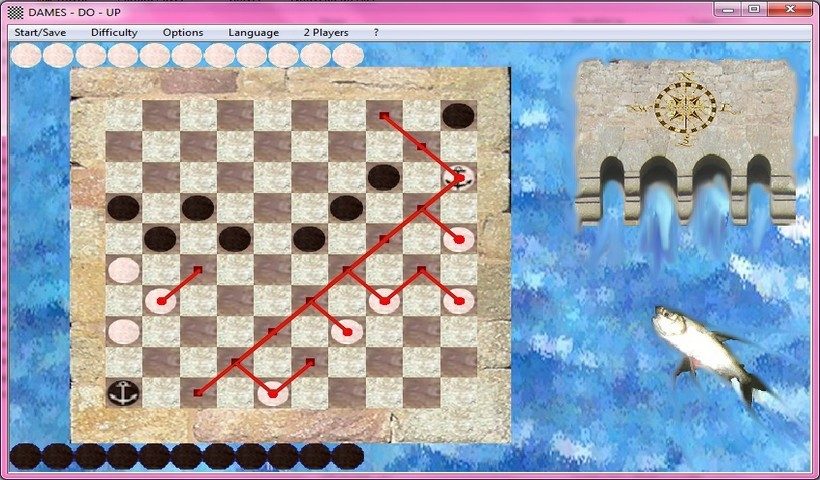
The real strength of Dames-Do-Up goes beyond mere existence. Rather, it plays the game right. You get 8 different boards. This diversity requires constant strategy change. The rules have not been simplified for convenience. They strictly adhere to international standards. This means mandatory captures. This means a 10×10 board. This means that when a pion reaches an endpoint, it is promoted appropriately. Several functions are also handled correctly.
The user interface is basic, but effective. You pick it up quickly. If you’ve never touched a digital checkers board before, don’t worry. There are different game modes. The difficulty level is adjusted according to your skill. The save function allows you to pause and resume. Depending on your version, these options may vary slightly, but the core experience remains stable.
Comparison of Dames-Do-Up with other review software
Why choose this over paid options? Because it’s free. Completely. There are no time limits or feature locks. Many competitors offer a “freemium” model. After 5 games you hit a wall. Or you have to watch ads for every move. Dames-Do-Up offers a complete experience without these barriers. Perfect for beginners to learn the ropes. Or for average players who want a quick and easy match.
But there’s a problem. Compatibility is Windows specific. Not just the latest version. It also targets older versions of Windows. If you have a Mac or Linux computer, you’re out of luck unless you use virtual machines. This limits its impact in the mobile world.
Other modern platforms offer online connectivity. There is cloud saves. These include interactive tutorials and advanced analysis tools. Dames-Do-Up lacks all this. There is no online multiplayer. There is no database that looks at past games. There is no AI coach to explain why you did something wrong. This is purely a local simulator.
This tool is reliable for serious immersion in international draughts. It respects the integrity of the game. However, it does not replace a dedicated learning platform. There is no official certification available here. Or a structured course. It’s a solitary tool. Human interaction promotes learning, making it ideal for use in private spaces, schools and clubs.
Keeping the game alive: development and future prospects
This software does several important things. Maintaining the tradition of international draughts in the digital age. When board games go online, information is lost. Dames-Do-Up counters that. It keeps the rules pure. This makes the game accessible to anyone with a PC.
In addition to simple games, it also develops logical skills. You are train your anticipation. Analyze patterns. The digital format eliminates physical setup time. This makes practice more frequent. And more flexible. This is an low-friction resource for teachers. No licenses to buy. There are no installation hurdles.
The community wants more. Users suggested adding an analysis module. Leaderboards would be great. Online play is the big ask. Currently, software depends on stability and compliance. This keeps users coming back.
Compatibility is a major concern. Many users still have Windows XP, Vista or 7. The developers take care of this. They keep the software light and functional even on older devices. This guarantees a longevity. If you have an older machine, this might work, although newer, heavier applications will fail.
Accessible Draughts Without Barriers
Dames-Do-Up An ecosystem of open, license-free software. There are no economic barriers. There are no access restrictions. It democratizes the game. Keep strategic depth intact. The user interface is still friendly.
Downloading through Futura offers the complete package. It’s authentic. It’s very simple. It works whether you want to relax, train or teach others. All you need is a Windows computer. And an appreciation of logic puzzles without the fluff of modern games.
perfection? No, we don’t have the connections we had in the 2020s. But for purists, this is a feature, not a bug. Online functionality can also be introduced in the future. or analysis tools. Until then, it stands as a steadfast that followed the rules. This goes to show that you don’t need a $50 subscription to play a classic game well.
The question remains: will developers add online functionality? The demand is there. But for now, its appeal lies in its isolation. A quiet corner for serious players. There are no distractions. Just a board.
Dames-Do-Up: system requirements and offline play
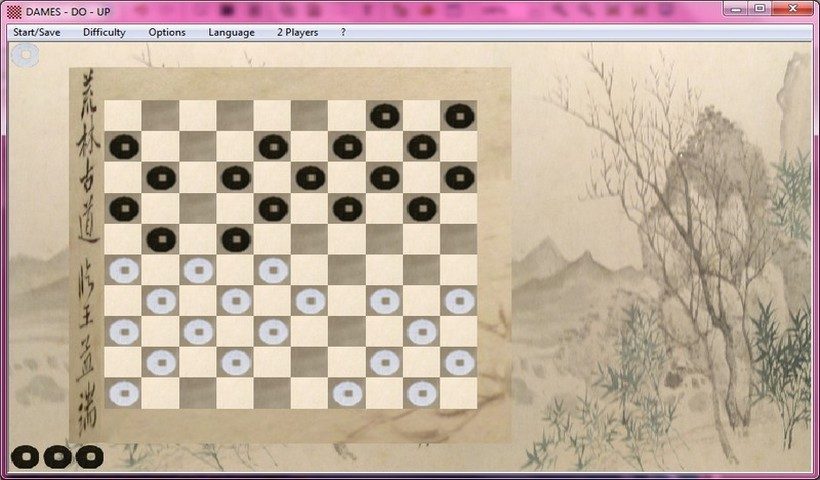
If you want to download Dames-Do-Up please check the specifications first to save time. The game works on older Windows systems. In particular, it supports Windows XP, Vista and 7. It focuses on international draughts rules. The board size is 10×10. Capturing is mandatory.
This software is free software. No registration required. After installation, it can be used offline. It can be used by both beginners and experienced users. The difficulty level is adjustable. There are eight board variants to try.
Windows Installer is a lightweight .exe file. It is standalone. Even older computers can handle it. No third-party launcher is required. A permanent internet connection is not required.
Dames-Do-Up can be downloaded directly from the Futura software library. This page provides solid information. It avoids frequent updates. The description remains clear over time.
Below is a summary of the most important pre-installation information. It covers the software environment, license, and gameplay options. Officially undocumented points are noted. This will help you decide whether to install it or not. It also describes the basic requirements of the hardware.
| Features | Information |
|---|---|
| Name | Dames-Do-Up |
| Category | Games > Board > Checkers |
| License | Free Software (Free) |
| Operating System | Windows XP, Vista, 7 |
| Game Type | International Draughts (10×10 board, forced capture) |
| Board Variants | 8 different boards |
| Mode | Difficulty level can be adjusted. Options vary by version |
| Operation | Offline (standalone installer) |
| User interface language | Unspecified |
| Installer | Windows executable file (.exe) |
| Minimum Configuration | Standard PC compatible XP/Vista/7 |
| Internet Required | No |
| Download Source | Free via Futura software library |
Last hurdle: Support cycles and hardware realities
Don’t pretend that moving to Windows 11 is just a software upgrade. This is a hardware filter. That’s the real story here. These requirements are not arbitrary gatekeeping. They tell where the industry is going. For millions of users, it’s a wall.
The TPM 2.0 requirement is the biggest frustration. Security experts know why it exists. The Trusted Platform Module encrypts the key and ensures boot integrity. Malware can be prevented from rooting before the operating system loads. But what about those with fully functional PCs in 2018? They get a message that says “Not Supported “. No updates. There are no security patches. In the end, the support period was not extended.
TPM 2.0 is more than just a checkbox. It’s the backbone of modern device security, ensuring your data stays encrypted at rest and at startup.
Next is Secure Boot. Prevents the execution of malicious code during startup. Again, a new hardware standard. Old hardware? Incompatibilities often occur without complex BIOS tweaks that most regular users won’t attempt. Nevertheless, Microsoft does not guarantee that it will work.
So what happens to these machines? They don’t go away. They linger. Years, maybe even decades. Windows 10 will still be running on millions of systems in 2025 and beyond. This is not a fault of the operating system. This is the reality of consumer behavior. People keep things until they fall apart. Or until you can no longer afford to replace it.
This creates a fragmented landscape. In a two-tier security environment, newer devices have strong protection, while older devices rely on user vigilance and third-party anti-virus software. Would this be ideal? No. Is it realistic? completely.
Why this matters to you
If you’re reading this, you might be wondering if your computer meets the requirements. Don’t panic yet. The official PC Health Check app is the only reliable method. It will scan your hardware and check the TPM status to give you a clear yes or no.
Don’t treat your computer as e-waste, even if it fails the test. As long as you keep your browser up to date and avoid sketchy downloads, it’s probably safe enough for basic browsing and email. But what about banking, work and sensitive information? Increased risk. Without monthly security patches, vulnerabilities cannot be patched. Exploits will be found. It’s just math.
For the players, the news is contradictory. Windows 11 has improved the timing of hybrid processors (Intel’s big.LITTLE architecture), which has resulted in smoother frame rates in some games. DirectX 12 Ultimate is optimized for newer GPUs. However, if you have older hardware, you may actually experience a “degradation” in performance. Drivers are not always optimized for new operating systems on older chips. Please test before updating. It’s not just about pressing a button.
Windows 10 long tail
Microsoft has announced that support for Windows 10 will end in October 2025. After that, security updates will no longer be publicly available. Extended security updates are available to business customers who pay an additional fee. For home users? You’re on your own.
This is nothing new. Windows 7 has a long tail. Windows XP is even longer. People stayed. The business survived. Why? Because migration costs money. IT departments hate re.


