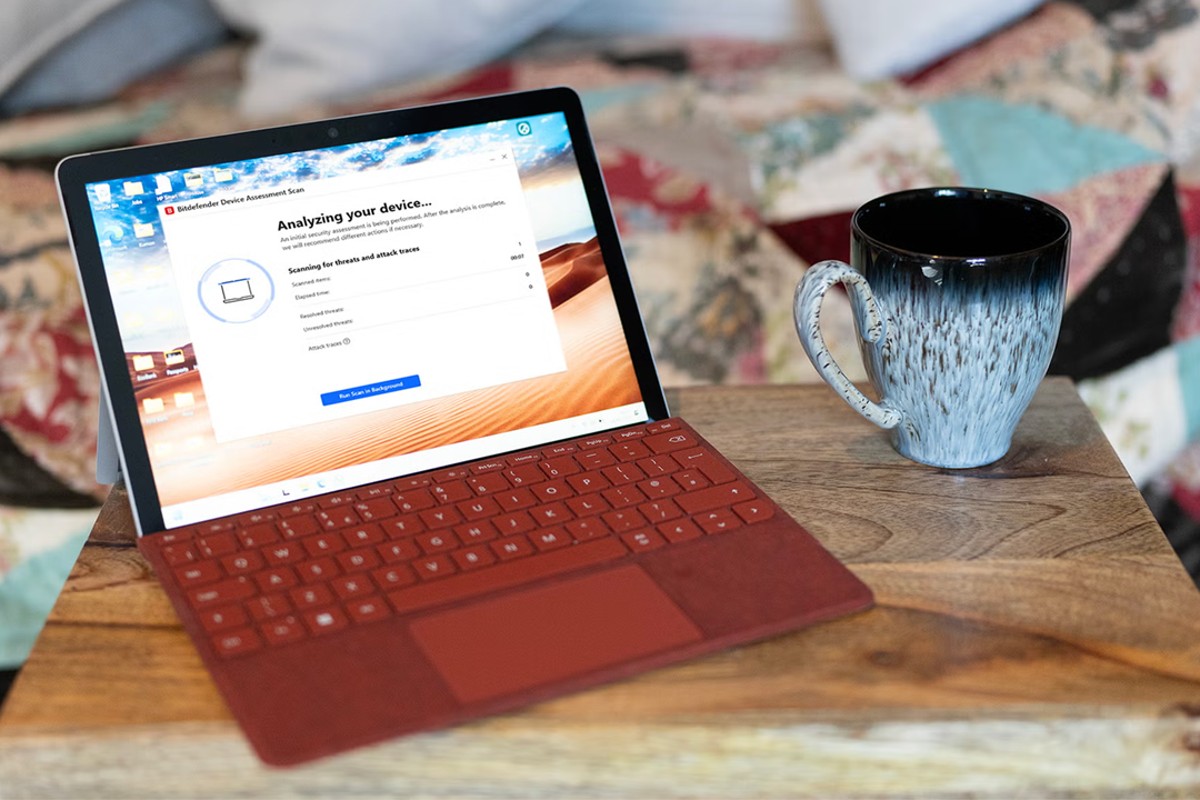
In the modern cybersecurity landscape, an antivirus is no longer just a tool to catch viruses; it has evolved into a multi-layered defense suite. Bitdefender Total Security follows this trend, offering an integrated dashboard that manages everything from network firewalls to webcam privacy and secure banking.
The Interface: Centralized Protection
Bitdefender operates primarily through a compact dashboard accessible via a system tray icon. The interface is designed to be intuitive, providing a “status check” that confirms whether your device is currently safe.
The core of the software is found within several specialized tabs:
- Protection: This is the engine room, housing the antivirus, online threat defense, and firewall settings. While these are best left on “automatic,” the manual controls allow users to troubleshoot if a firewall inadvertently blocks a legitimate network service. It also includes anti-spam tools for email clients like Outlook and Thunderbird.
- Privacy: This section manages your digital footprint. It includes an anti-tracker plugin for major browsers (Edge, Firefox, and Chrome) and access to a VPN.
- Note on the VPN: Bitdefender offers a free tier, but it is strictly limited to 200MB of data per day. This is sufficient for occasional banking on public Wi-Fi, but heavy users will require a paid subscription.
- Media Control: A standout feature is the ability to manage webcam and microphone access. Bitdefender monitors which applications (such as Microsoft Teams) request access to your hardware, allowing you to grant or revoke permissions instantly. This provides a vital layer of defense against “camfecting”—malware that hijacks your camera to spy on you.
Safepay: A Dedicated Fortress for Transactions
Perhaps the most sophisticated tool in the suite is Safepay. Recognizing that traditional browsers can be vulnerable to sophisticated attacks, Bitdefender offers this isolated, secure browser specifically for financial transactions.
Available on Windows, Safepay provides several layers of “hardened” security:
1. Isolation: It runs independently from your primary browser.
2. Integrated VPN: It automatically secures your connection.
3. Virtual Keyboard: It uses an on-screen keyboard to bypass keyloggers —malware designed to record your physical keystrokes to steal passwords.
4. Password Integration: It syncs seamlessly with the Securepass manager, allowing for automated, secure logins.
Performance and System Impact
A common concern with robust security software is “system bloat”—the tendency for antivirus programs to slow down your computer. Bitdefender’s performance is a tale of two states:
- Idle State: The software is remarkably lightweight. While heavy applications like Microsoft Teams can consume up to 500MB of RAM, Bitdefender’s main interface uses less than 100MB when not actively working.
- Active Scanning: During a full system scan, the resource demand spikes significantly. It can consume upwards of 900MB of RAM and 25% of CPU capacity. Users with older machines or limited RAM (less than 8GB) may notice a noticeable dip in performance during these periods.
Effectiveness in Real-World Testing
In practical testing, Bitdefender demonstrated high detection capabilities across various environments:
- Cloud Security: During a scan, the software successfully identified a Trojan hidden within an Android file being synced via Google Drive. This highlights the importance of modern antivirus: even if a file cannot harm your Windows PC, the software can prevent it from spreading to your mobile devices via the cloud.
- Web Protection: The software acts as a secondary safety net. If a user bypasses a browser’s built-in warnings (such as Google Chrome’s), Bitdefender’s web protection is designed to intercept the threat. It also provides visual cues, such as “green ticks,” to identify safe websites during Google searches.
Final Verdict
Bitdefender Total Security is a highly capable, “set-and-forget” solution that offers much more than simple malware detection. While its heavy resource usage during deep scans may impact performance on lower-end hardware, its specialized tools like Safepay and webcam protection make it a premier choice for users seeking comprehensive digital privacy.
Summary: Bitdefender Total Security is an expansive, user-friendly defense suite that excels at protecting both local files and sensitive online transactions, provided your hardware can handle the intensive scans.