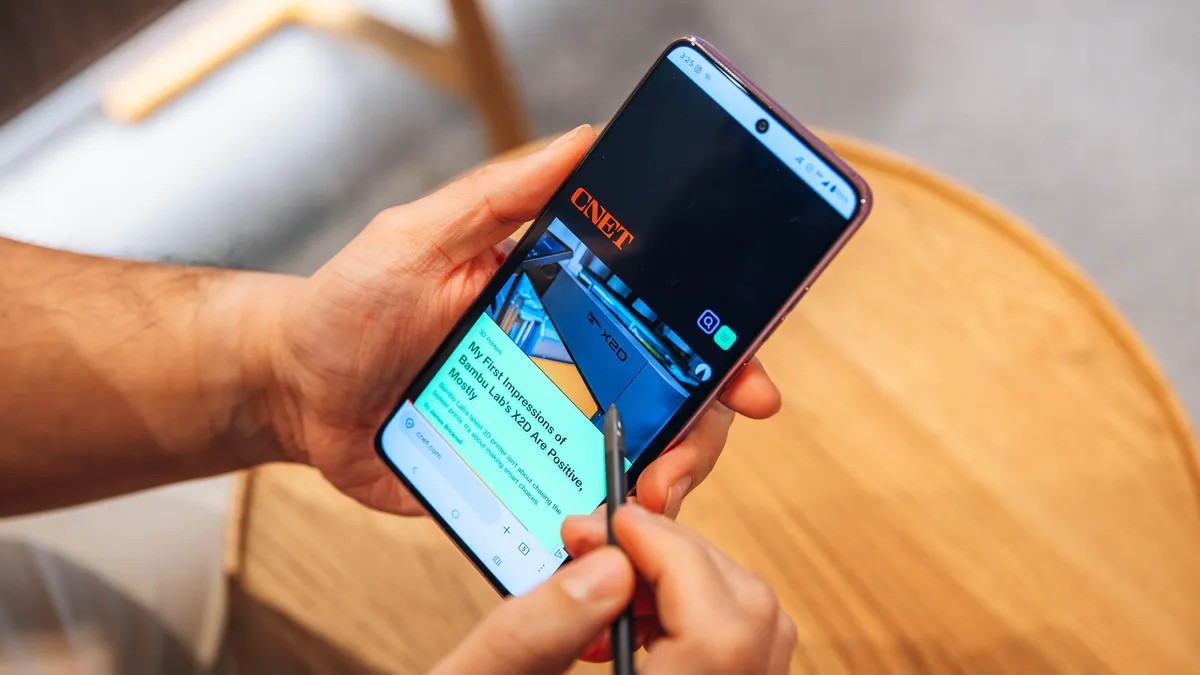
The new Moto G Stylus marks a significant shift in how Motorola approaches its signature device. While previous iterations often felt like they included a stylus merely for novelty, the 2026 model transforms the pen into a functional centerpiece. However, this improved utility comes with a steep price hike and hardware compromises that may give potential buyers pause.
The Stylus: From Novelty to Necessity
The most notable upgrade is the stylus itself. It no longer feels like a decorative add-on; instead, it mimics the productivity-focused experience found in premium devices like Samsung’s Galaxy Ultra line.
Key functional improvements include:
– Precision Navigation: A small on-screen cursor appears when hovering, providing a “mouse-like” experience that makes interacting with small UI elements—such as closing pop-up ads or tapping tiny email buttons—far easier than using a thumb.
– Enhanced Writing: With improved pressure sensitivity and palm rejection, the device is much more reliable for quick note-taking and digital journaling.
– Specialized Shortcuts: The pen integrates with system menus, offering quick access to a magnifying tool for zooming into fine text or launching the Motorola Notes app.
This makes the phone particularly attractive for users who struggle with precision on touchscreens, such as those with arthritis or larger hands.
Display and Hardware: High Brightness, Low Longevity
Motorola has made a massive leap in display technology. The new screen reaches a peak brightness of 5,000 nits, dwarfing the Google Pixel 10A (3,000 nits) and the iPhone 17E (1,200 nits). This ensures excellent visibility even under direct sunlight.
However, the internal hardware tells a more complicated story:
– The Processor: The phone retains the Qualcomm Snapdragon 6 Gen 3. While it handles daily tasks and light gaming (like Fall Guys ) smoothly, it lacks the raw power of competitors like the Pixel 10A. This may impact the phone’s long-term performance as apps become more demanding.
– Software Support: A major drawback is Motorola’s update policy. The Moto G Stylus offers only two years of software updates and three years of security updates. In a market where Apple, Google, and Samsung are moving toward six years of support, this significantly limits the device’s lifespan for those who don’t upgrade frequently.
The Price-to-Value Equation
The most jarring change is the cost. The 256GB model has seen a 50% price increase, jumping from $400 last year to $600 this year.
To offset this, Motorola is leaning heavily into value bundling. Depending on which model you purchase, you receive significant accessories:
– 128GB Model ($500): Includes four Moto Tag location trackers (a $100 value).
– 256GB Model ($600): Includes Moto Buds Loop earbuds, a Moto Watch, and a Moto Tag (a package worth roughly $480 separately).
While these bundles “sweeten the deal,” the phone is now competing in a much more crowded and powerful mid-range market.
Camera Performance and “Old School” Perks
The camera system remains largely unchanged from the previous year, featuring a 50MP wide lens and a 13MP ultrawide. While the 32MP selfie camera performs admirably in various lighting conditions, the rear cameras struggle to compete with the photographic detail offered by the Pixel 10A. The Moto G Stylus is capable of decent shots, but it lacks the sophisticated processing required for high-end photography.
Despite the camera limitations, Motorola retains several “legacy” features that are increasingly rare in modern smartphones:
– A headphone jack for wired audio enthusiasts.
– A microSD card slot for expandable storage.
– IP68/IP69 durability ratings, making it highly resistant to water and fine dust.
Conclusion
The Moto G Stylus is a niche powerhouse; it is an excellent choice for users who specifically want a stylus-driven workflow, a brilliant screen, and expandable storage. However, for those seeking the best camera, fastest processor, or longest software support, the increased price tag makes it a difficult recommendation.
The Verdict: Buy this phone if the stylus is your primary tool; look elsewhere if you prioritize raw performance and long-term software reliability.